Permissions
The Permissions tab controls access to a database. This allows you to restrict access per company.
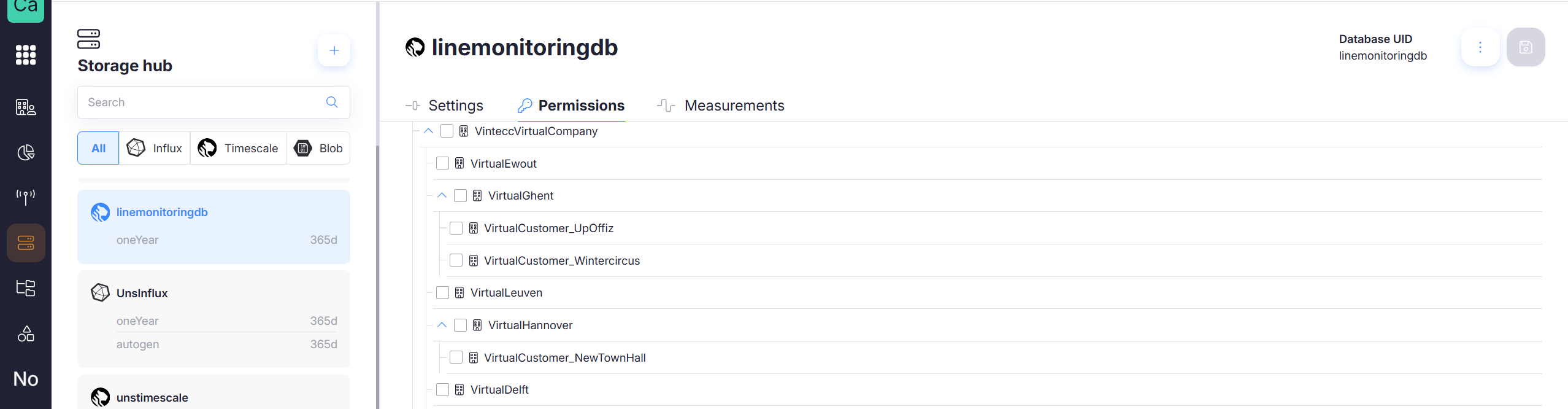
Where permissions are configured
Permissions can be set in two places:
- During creation, in Add Capture Storage → Permissions
- After creation, from the database Permissions tab
What you can do here
Typical actions include:
- Grant access to a scope (e.g., company / workspace / project)
- Revoke access
- Review which entities can access the selected database