Unified Namespace
The Unified Namespace (UNS) is one structured tree that describes your operation: your sites, areas, lines and machines, and under them the live values they produce. Instead of looking for a signal by gateway, connection and measurement name, you find it where it lives in the plant, such as acme / ghent / packaging / line1 / filler01 / Speed.
Dashboards, reports, integrations and Captain read the same tree, so a value has one name everywhere.
Concepts
| Concept | What it is |
|---|---|
| Namespace | Your company's tree. Its root is the Enterprise node, which stands for the company itself |
| Asset | A node that gives the tree structure: a site, an area, a line, a machine. Every asset has a component type from the equipment hierarchy |
| Variable (parameter) | A leaf node that carries values, such as a temperature or a counter. The UNS builder calls it a parameter |
| Source | Where a variable's values come from: a field in the raw data of an edge gateway, or an API token. A variable without a source is a placeholder |
| Metadata | Key/value pairs on an asset or variable, such as a serial number or a supplier |
| Resources | Files from the resource library linked to a node, such as a manual or a drawing |
| UNS path | A node's names from the root down. It names the node in integrations, context links and Grafana |
| Asset model | A reusable template of an asset with its variables. Each copy in the tree is an instance |
| Context episode | Something that happened on a node during a time window: a production order, a batch, a stop, a shift |
Where to find it
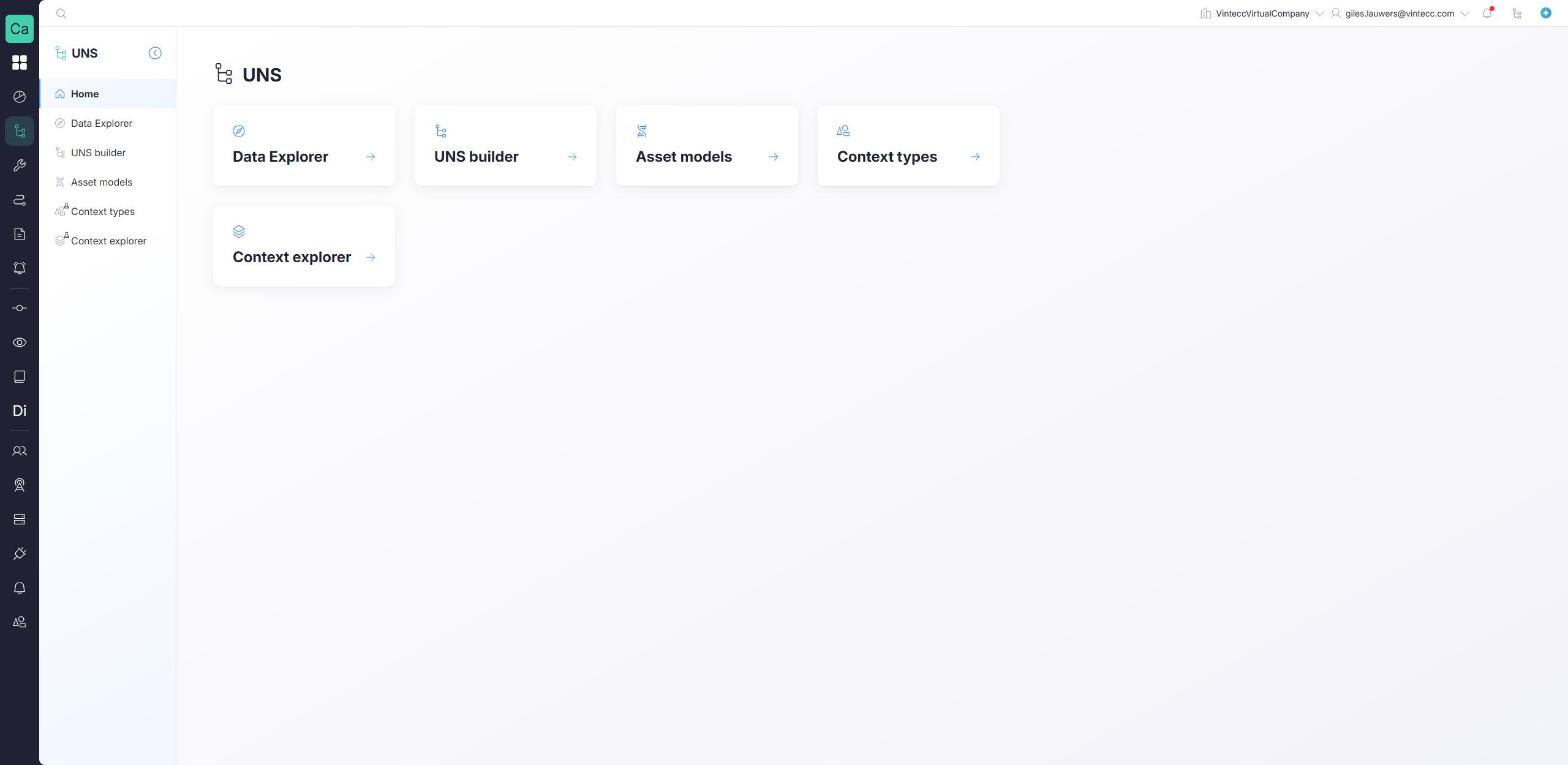
Open UNS in the main menu. Depending on what your company uses and what is switched on, the menu contains:
| Page | What you do there |
|---|---|
| Data Explorer | Browse the raw data of your gateways |
| UNS builder | Build and maintain the namespace: assets, variables, sources and metadata. See Building the namespace |
| Asset models | Create reusable templates. See Asset models |
| Context types (Experimental) | Define the kinds of episodes. See Context types |
| Context explorer (Experimental) | Find and edit episodes. See Context episodes and links |
Asset models, Context types and Context explorer are switched on per environment, so they may not be available to your company yet.
Rights
The pages use the Unified Namespace module of your role:
| Right | Allows |
|---|---|
| View | Seeing the namespace, its values, metadata, asset models and context |
| Manage | Creating, changing and deleting assets, variables, metadata, asset models, context episodes and context types |
UNS v1 and v2
There are two generations of the Unified Namespace. Which one a company uses is a company setting; there is nothing to choose in the UNS screens.
- Companies on UNS v2 see the UNS builder described in this guide, with component types, asset models and context. New companies are created on UNS v2.
- Companies still on UNS v1 see the earlier Unified namespace page, with Create namespace and Set as source. Asset models and context are not available on v1.
If you open the old page in a company that is on v2, you are taken to the new UNS builder automatically.
An existing company is moved to v2 with the Enable new UNS structure setting in the company's general settings, where your environment offers it. Contact Capture support before you switch a company that is in use.
In this section
- Equipment hierarchy: the component types and which may go under which.
- Building the namespace: the tree, assets, duplicating, importing and deleting.
- Variables and sources: variables, binding sources, placeholders, metadata and resources.
- Asset models and instances: reusable templates.
- Context types and episodes and links: what happened on each node.