Grafana section
You can create a section with a grafana panel by following these steps:
- Go to a existing grafana dashboard or create a new one
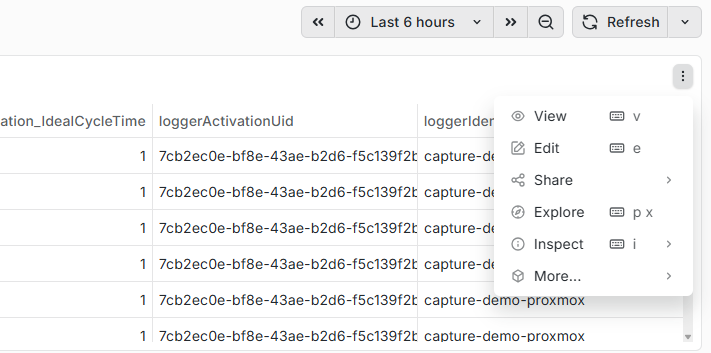
- On the top right of a grafana panel, click the 3 dots to open the menu
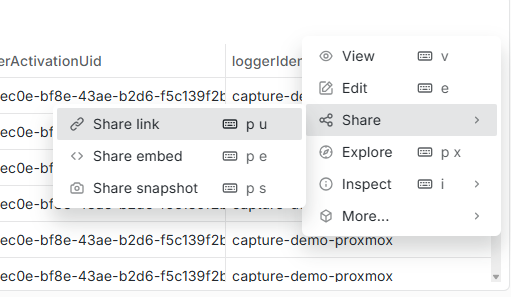
- Open the Share menu and select Share link
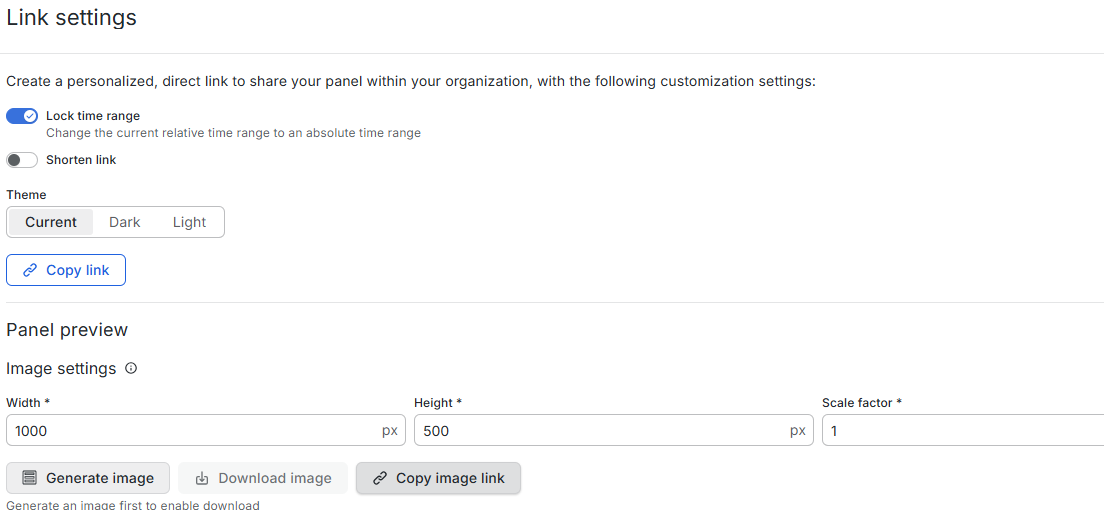
- In the link settings, click the Copy image link
- Go to your report, and add a Grafana section.
- Paste the link
- Define a start and end for the panel
- Done!